1. Laurier students
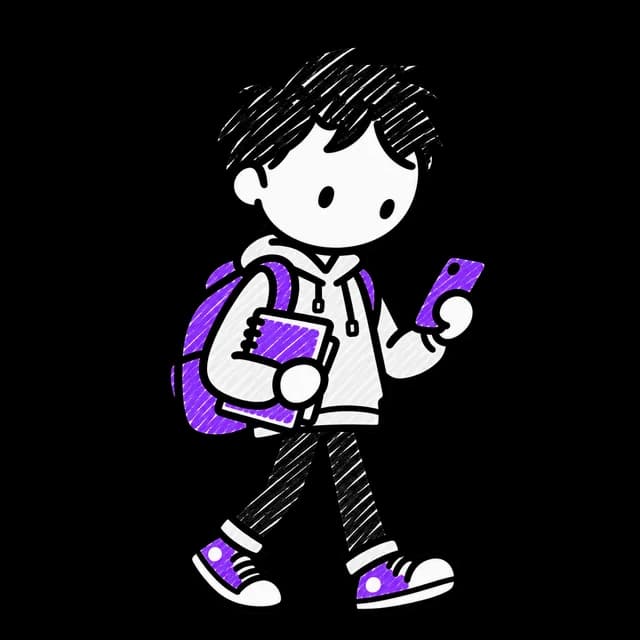
Students needed a place to find events that matched their interests and schedule, and helped them feel part of campus life.
Product design / Front-end development / 2024
One place to find campus events
and help organizers reach students.
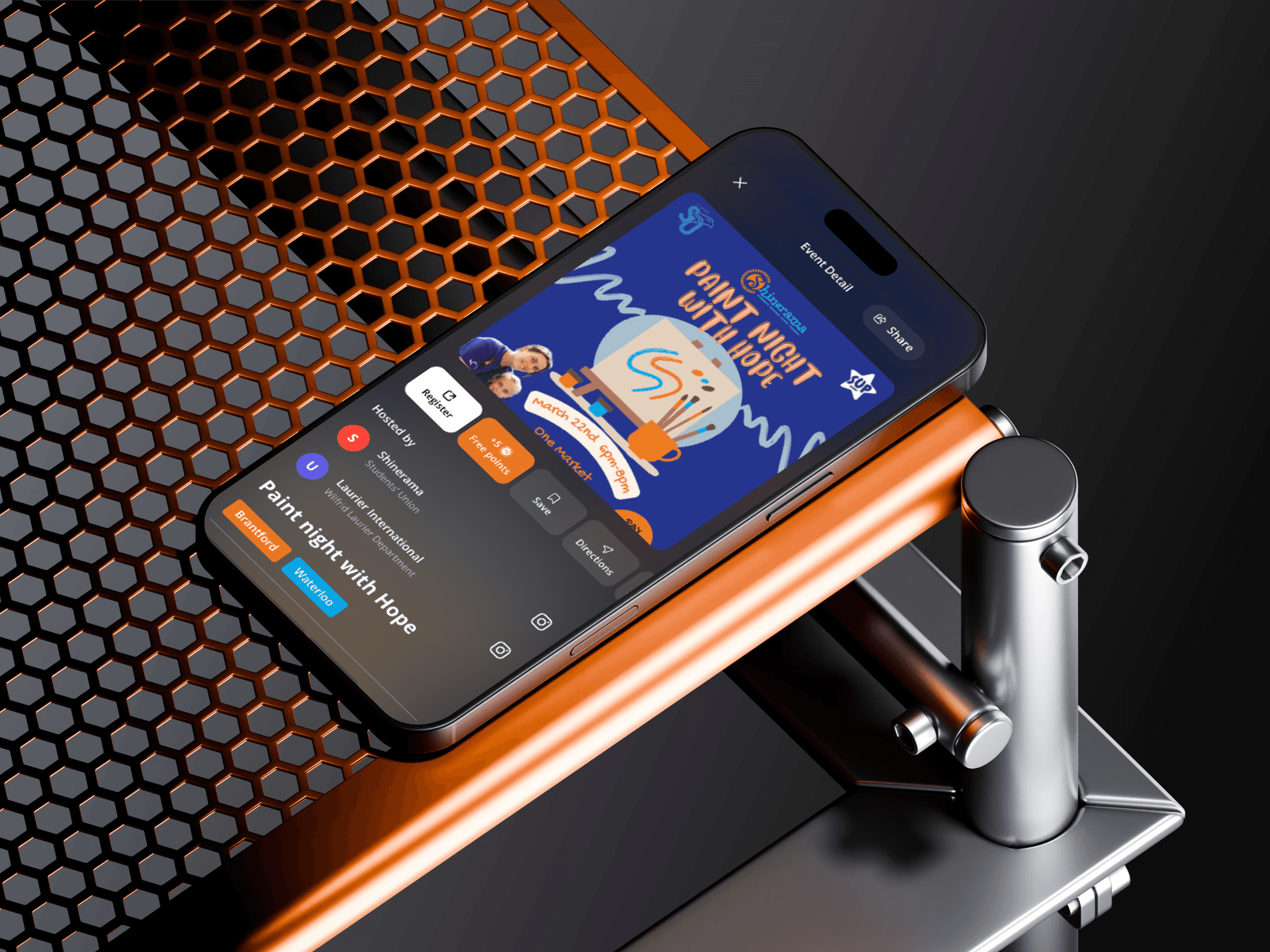
My contribution
I built HawkStop with Brett White, my roommate at the time. I handled product design and front-end development; Brett handled project management and QA. We put together the presentation to propose a campus pilot.
Created a high-fidelity mobile prototype and custom design system for finding campus events and managing them.
While organizing events and working in residence, I saw students miss events promoted across Instagram stories and bulletin boards. Campus clubs and student unions spent hours planning those events, then struggled to fill the rooms.
The app needed to work for the students attending events and the people organizing them.
Working on this with my roommate made the project personal. Brett and I were drawing on our own experiences as students, alongside what we heard from the people attending and running campus events.
Students needed a place to find events that matched their interests and schedule, and helped them feel part of campus life.
Club executives, Students' Union committees such as Shinerama, faculty associations such as UXDSA, and residence councils needed to publish events and collect signups. They also needed to reach students without relying on social media algorithms.
Every week, departments and clubs competed for students' attention with different events, posters, emails, and social posts. Keeping up on Instagram meant being active on social media and following the right accounts. Even then, students had no reliable way to know whether a new event had been posted. Organizers also lacked one place to check eligibility, collect registrations, and coordinate across Laurier's campuses.
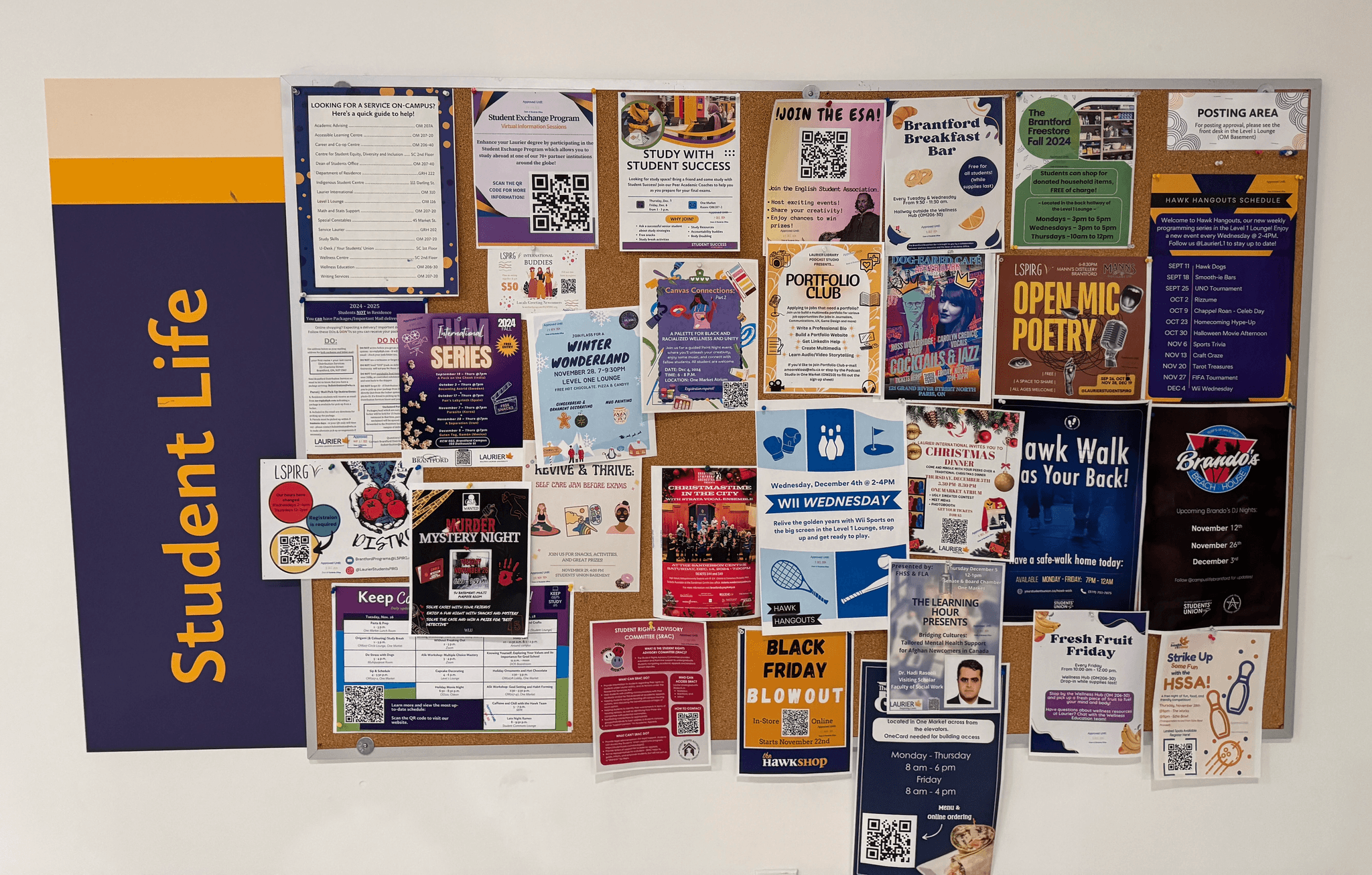
Campus noticeboards were crowded with posters. Students walked past them, and organizers had no way to tell whether anyone attended because of a flyer.
Students' attention was pulled between departments and clubs every week. Instagram required them to keep checking social media; even following a club gave them no reliable signal that an event had been posted.
Organizers linked to Google Forms to collect headcounts. Students then had to type their name, student ID, and email on a phone, adding steps that could lead them to abandon registration.
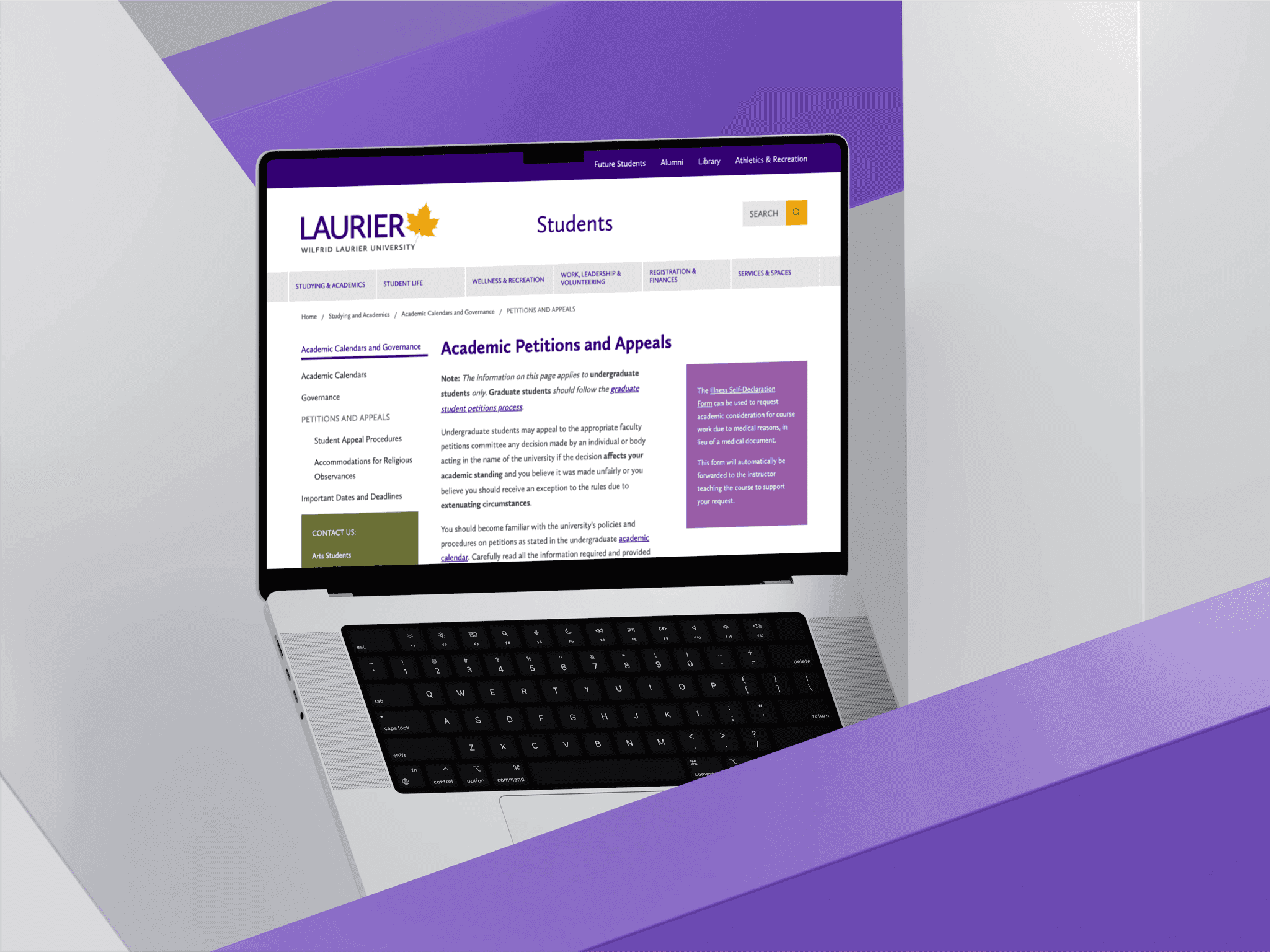
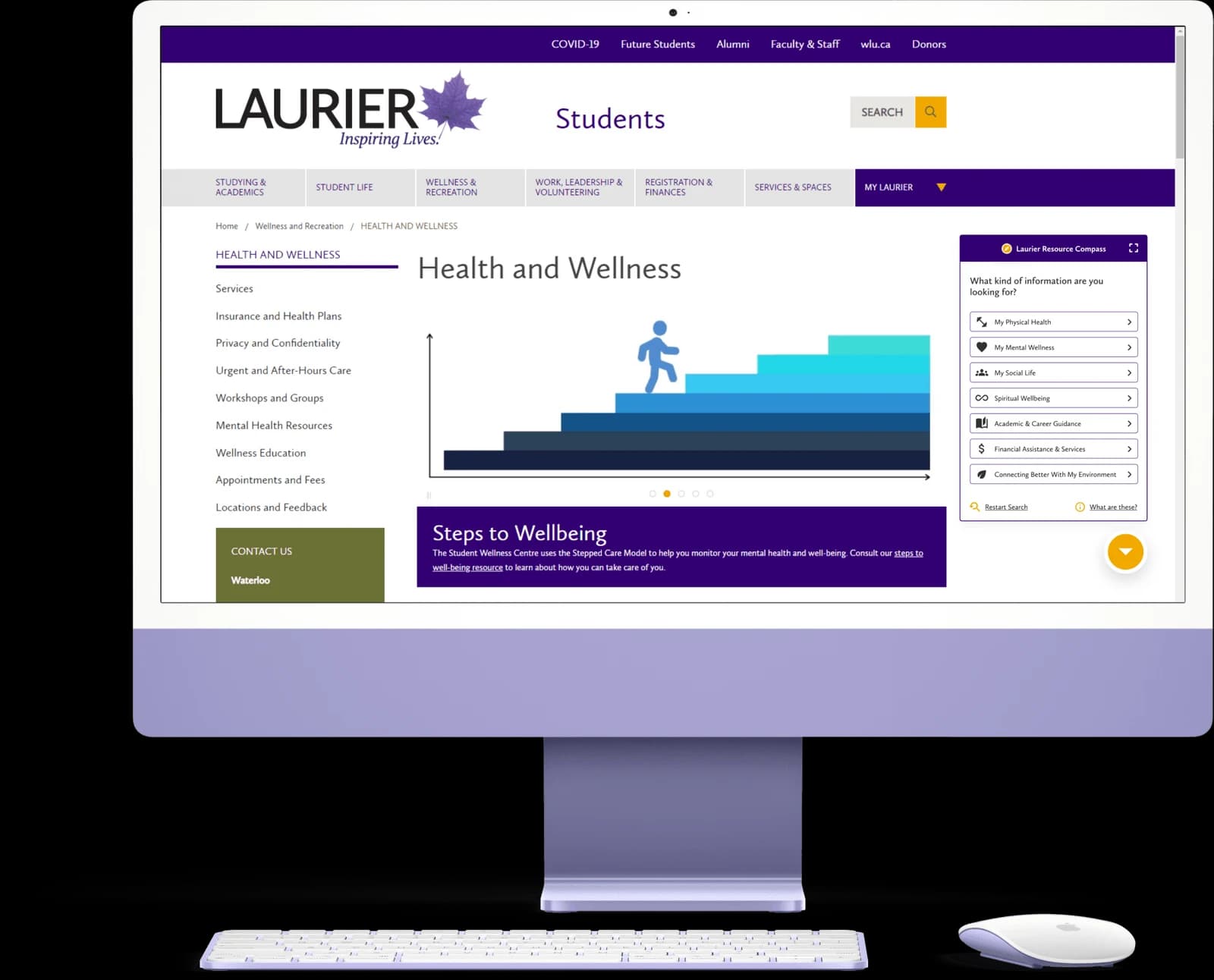
Laurier maintains three separate, disconnected portals for campus events. They lack mobile responsiveness, offer no personalization, and do not provide club executives with modern administrative tools.
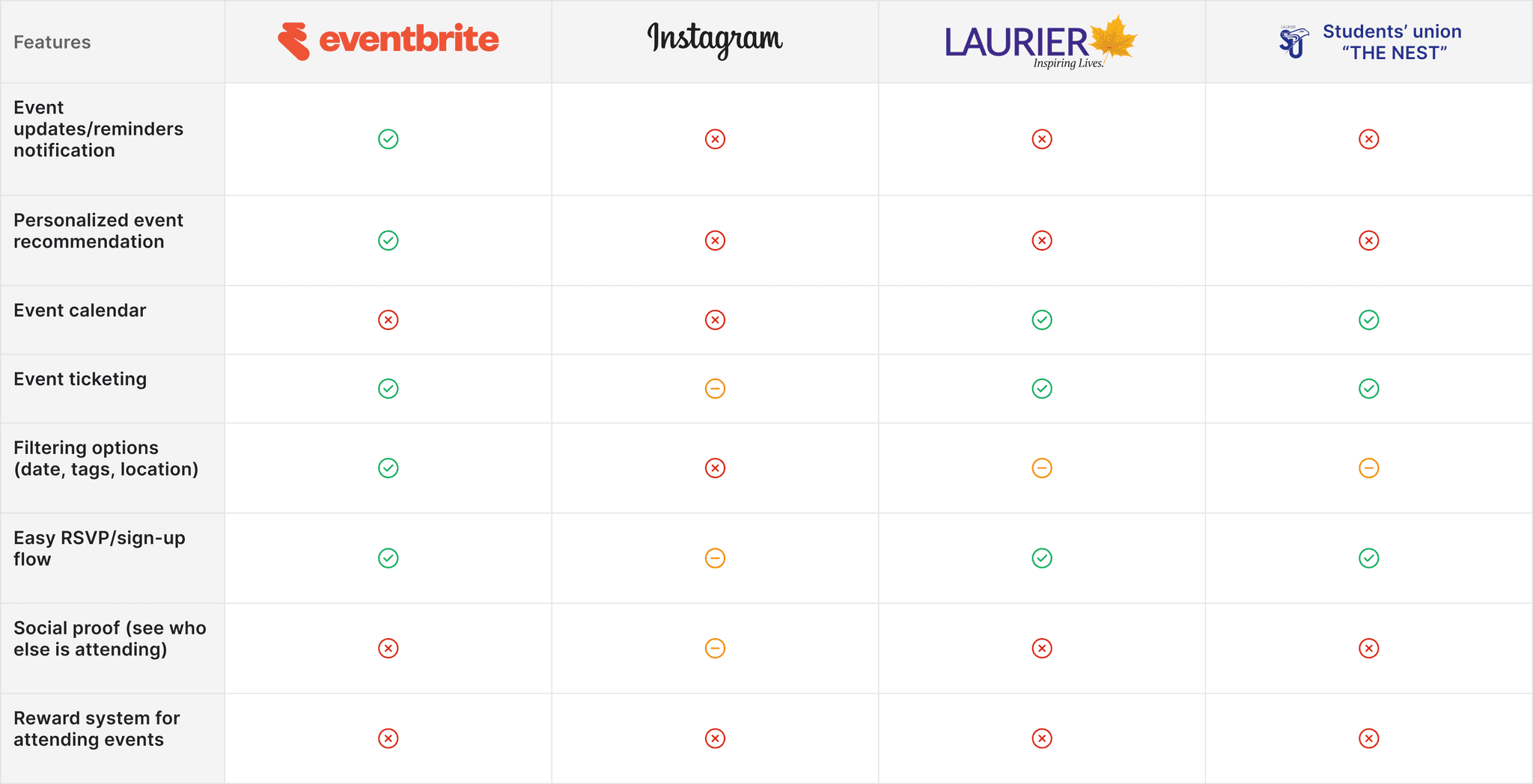
I reviewed the tools students and organizers already used, looking for useful patterns and problems HawkStop could address.
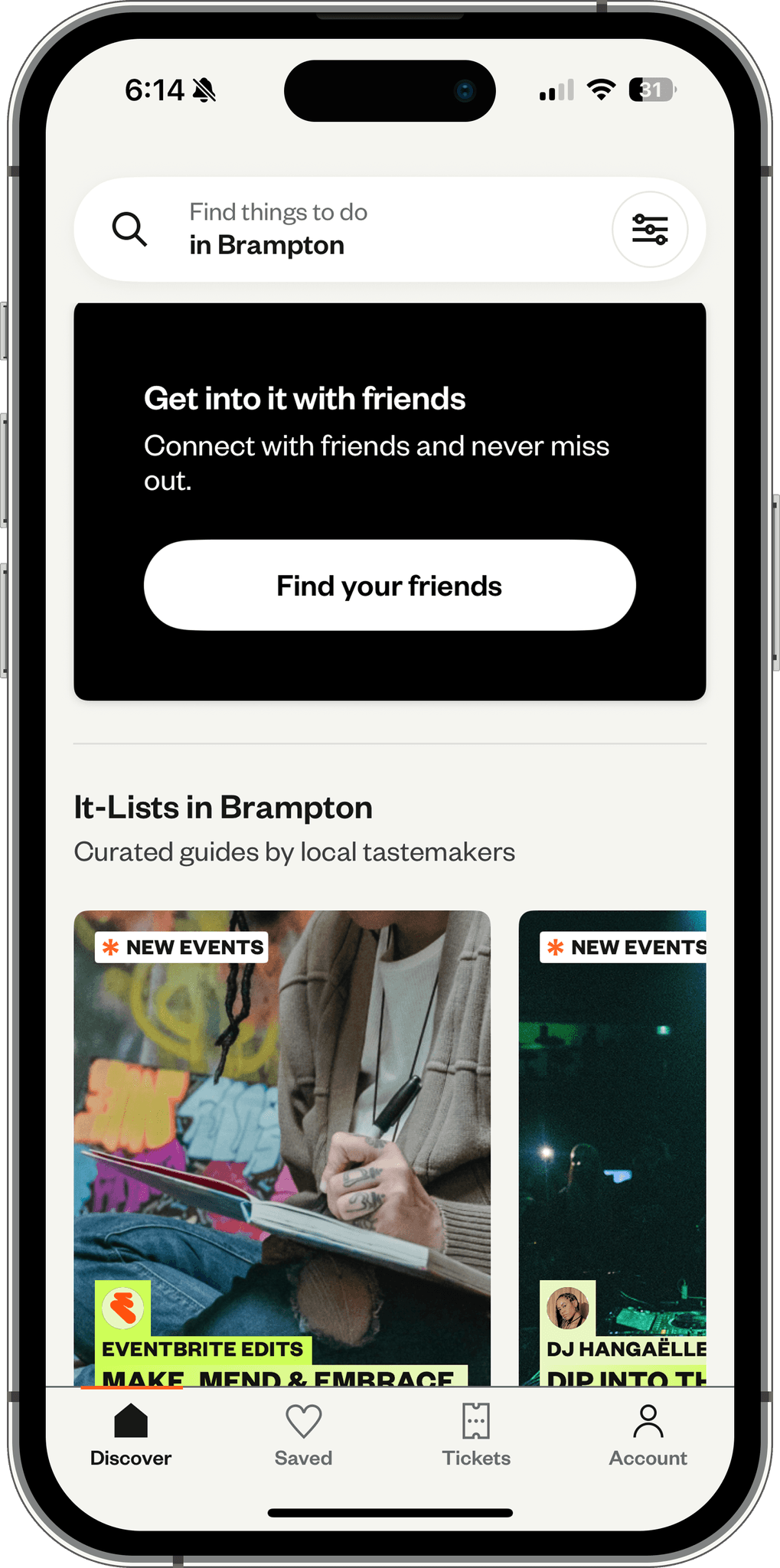
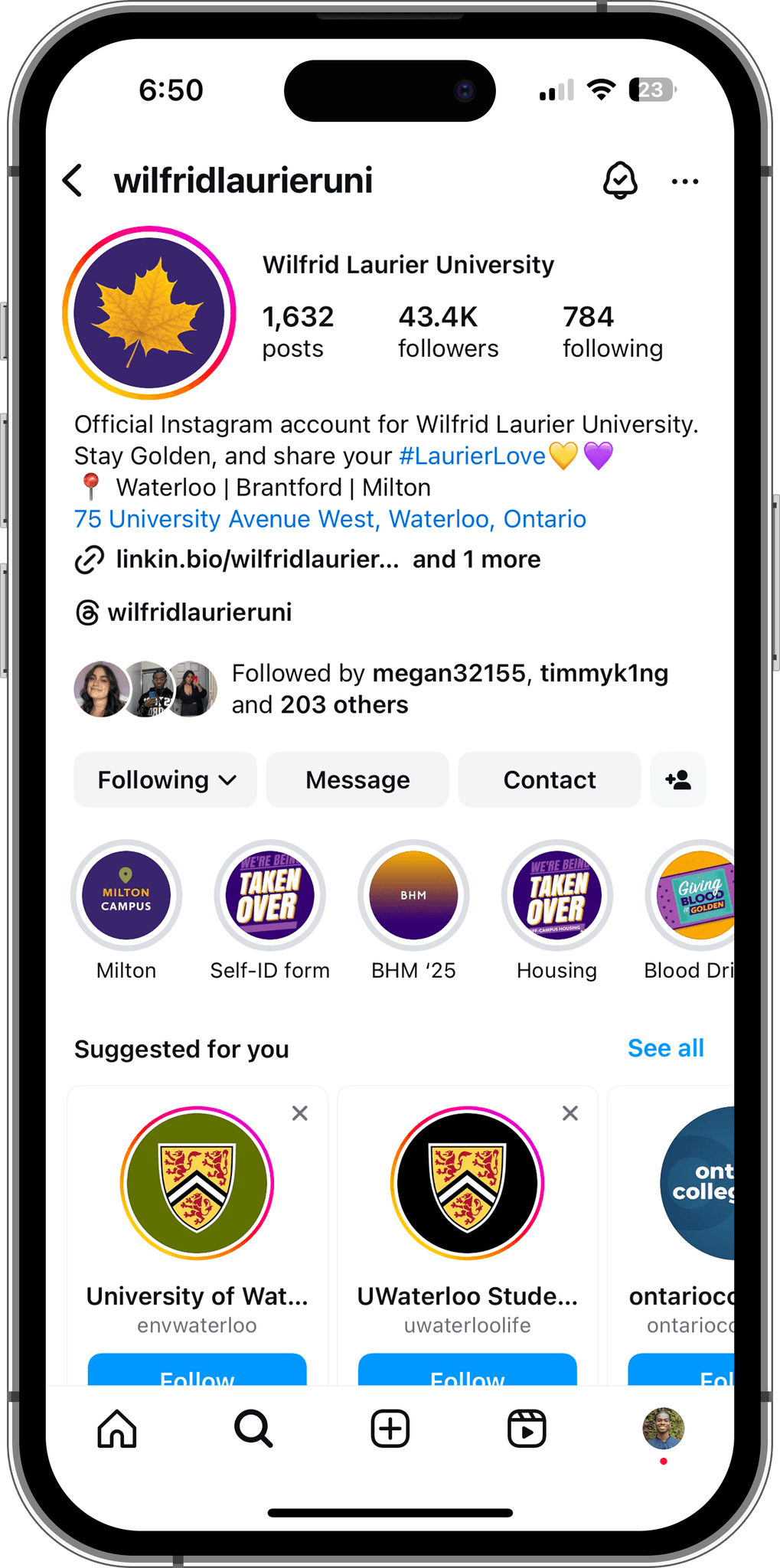
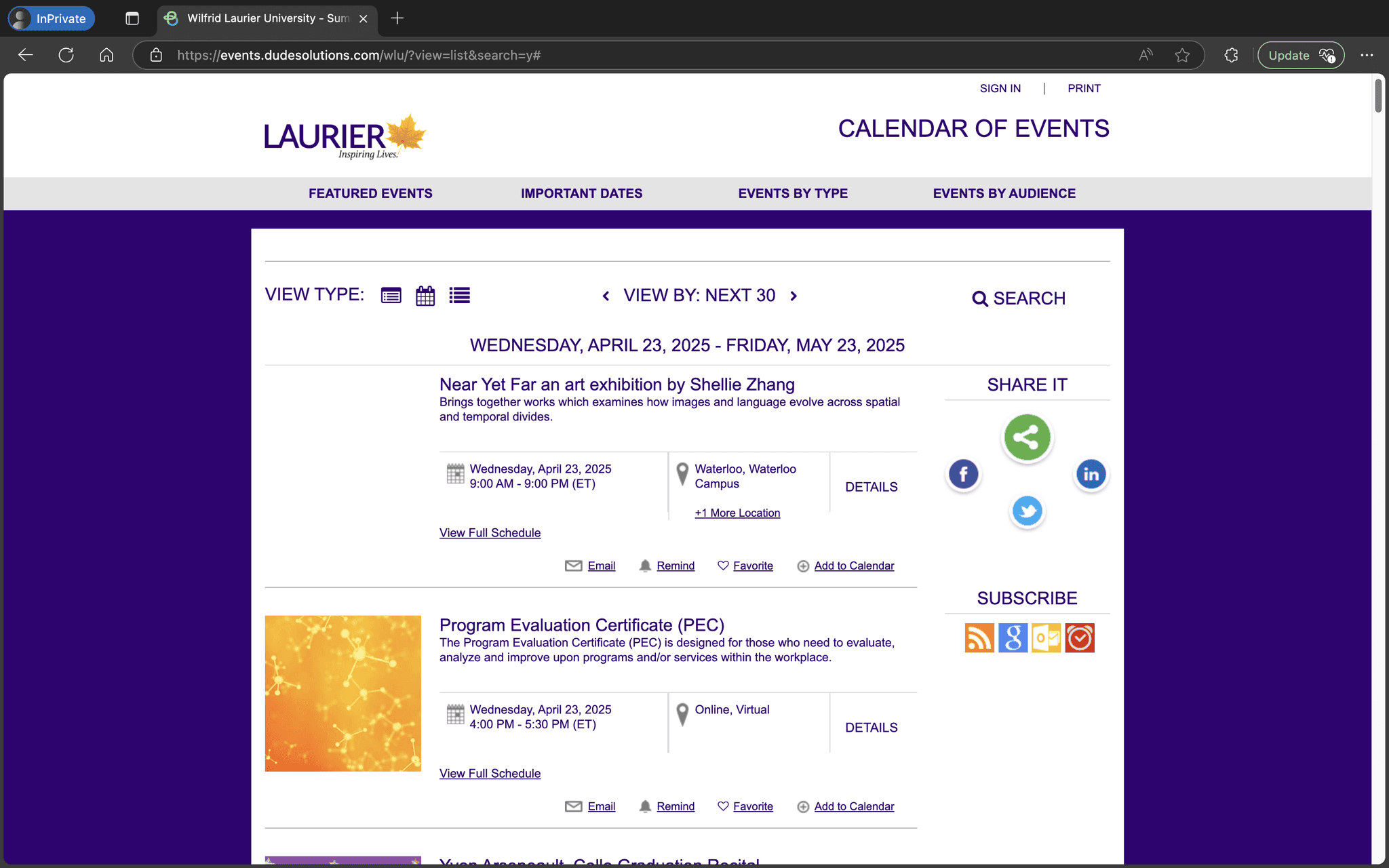
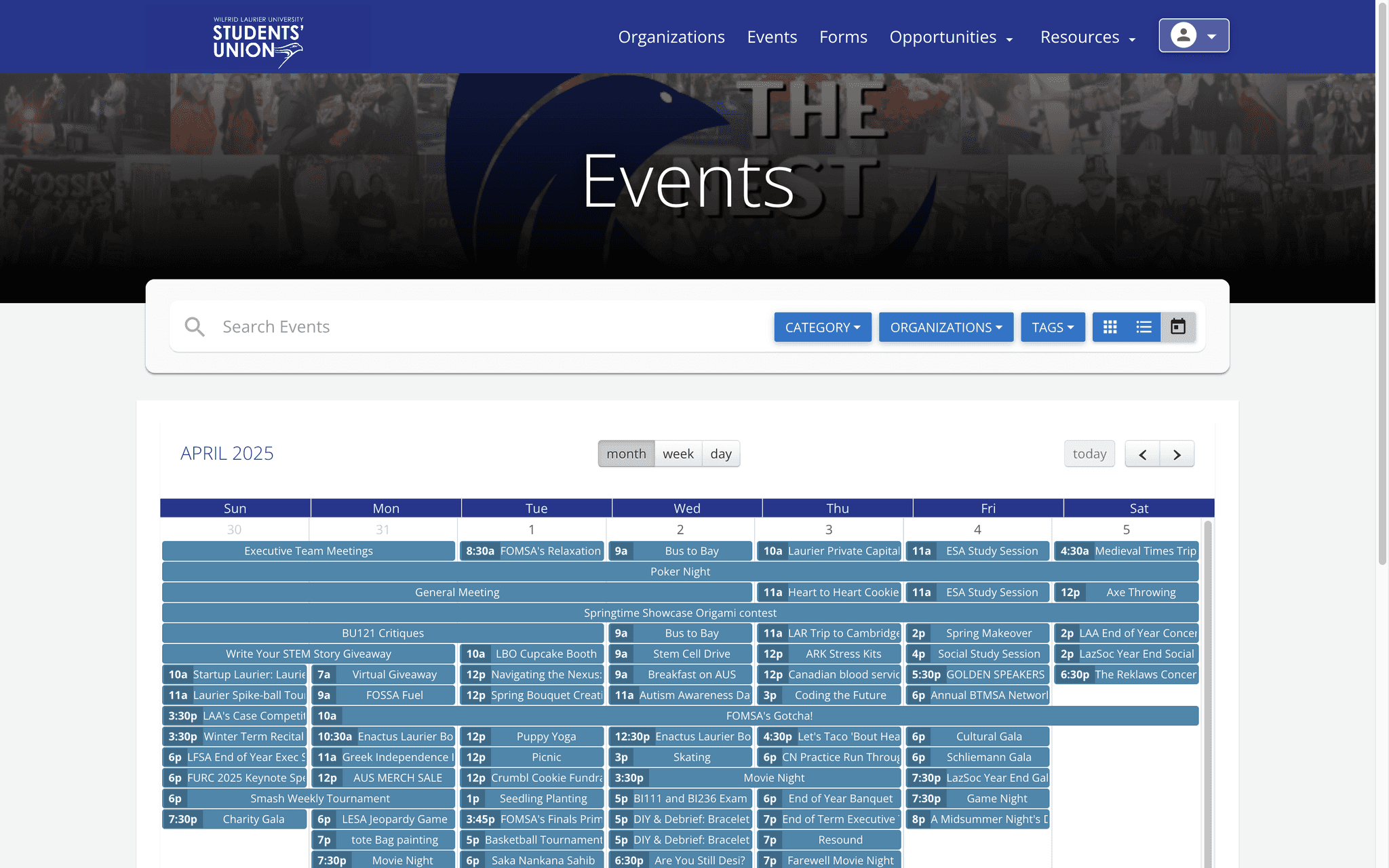
Our summer survey gathered 55 responses from Laurier students. I also interviewed campus club executives and residence coordinators to understand the organizer side.
44 of 55 respondents selected lack of communication as a reason they did not attend events.
35 of 55 respondents preferred a centralized Laurier student app for finding extracurricular activities.
The survey also pointed to relevance and motivation: 50.9% said events were not for them, and 47.3% cited a lack of incentives. These were reasons to explore a personalized feed and attendance points, rather than assume better listings alone would solve turnout.
Conversations with club executives and campus organizers helped me identify four requirements:
Organizers needed verified attendee lists without asking students to fill out the same details again. I designed one-tap registration using verified names and @mylaurier.ca emails, with optional questions for details such as dietary restrictions.
Campus events vary widely: in-person workshops, virtual info sessions, and hybrid socials. Organizers required clear modality toggles, precise campus building mapping, cohort privacy settings (residence-only vs. open campus), and incentive point tags.
Club executives change each year. Official Students' Union or faculty badges and persistent Discord and Instagram links help students recognize the club as its team changes.
Organizers also attend events. A floating admin bar lets them switch between browsing and club management without logging into a separate portal.
This is the journey I designed for HawkStop. Each step addresses a reason students might miss an event or drop out before getting there.
Find events that match your interests and campus.
Check the time, venue, host, and what to bring.
Sign up without retyping your student details. Keep your ticket ready.
Find the venue and pull up your ticket at the door.
Earn points for attending events, alongside bucket-list challenges.
I used the research to plan how students would find events and how organizers would publish them.
Event discovery depended on organizers being able to publish events and collect signups easily. Students needed a useful feed, and organizers needed students to use it.
I designed a personalized mobile feed for students and guided event creation and management tools for organizers in the same app.
Students can browse events, and organizers can manage them in the same app. Open a screen for a closer look or try the interactive prototype.
I designed onboarding to make the event feed relevant to each student. They tell the app their year and student status, choose interests, and select their main campus. These choices help reduce noise from events that are not relevant to them. Campus can be changed later, so the feed can adapt as students move between campuses.
I put event details in a bottom sheet so students could check an event while keeping their place in the feed. The sheet includes interactive venue maps, ticket links, host profiles, and requirement checklists.
Static bulletin boards tell students when events happen, but not how they fit into a busy academic timetable. I designed dual calendar modes: a glanceable “This Week” agenda for fast decisions between classes, and a monthly grid with one-tap exports to Apple and Google Calendar.
I designed points earned by attending events to give students another reason to show up. The Golden Hawk Bucket List adds 80 campus challenges across their four years at Laurier. Attendance, completed challenges, and sign-in streaks contribute to points students can redeem for campus perks.
Finding a campus building or basement lounge could be difficult enough to put students off attending. Event flyers link to floor-by-floor maps with accessible entrances and walking routes.
I built a feature request board where students can propose and upvote ideas such as Dark Mode and Offline Access. The Get Involved directory also gives clubs a permanent place students can find outside social feeds.
Organizers can review upcoming events and RSVP counts, check how busy campus is, and reach room-booking links from one place. A create button keeps publishing a new event close at hand.
Organizers already used their phones to promote events. I designed a flow that lets them upload a flyer, add the time and location, and set registration details. A “What to bring” checklist helps students arrive prepared.
Official club profiles bring the organization's identity, contacts, and social links together so students know who is hosting. Organizers can update those details and switch between managing their club and browsing events as a student.
After registering, students need a quick way to find their ticket at the door. I separated upcoming and past tickets, with the event name, time, venue, and barcode together. Past tickets stay available without competing with the events students are about to attend.
Note: Some components may not be clickable.
Open the prototype in Figma ↗I built a custom design system to keep HawkStop consistent as I designed more screens. Uber’s interface influenced the restrained styling. I used black, white, and gray to keep information readable and support accessibility.
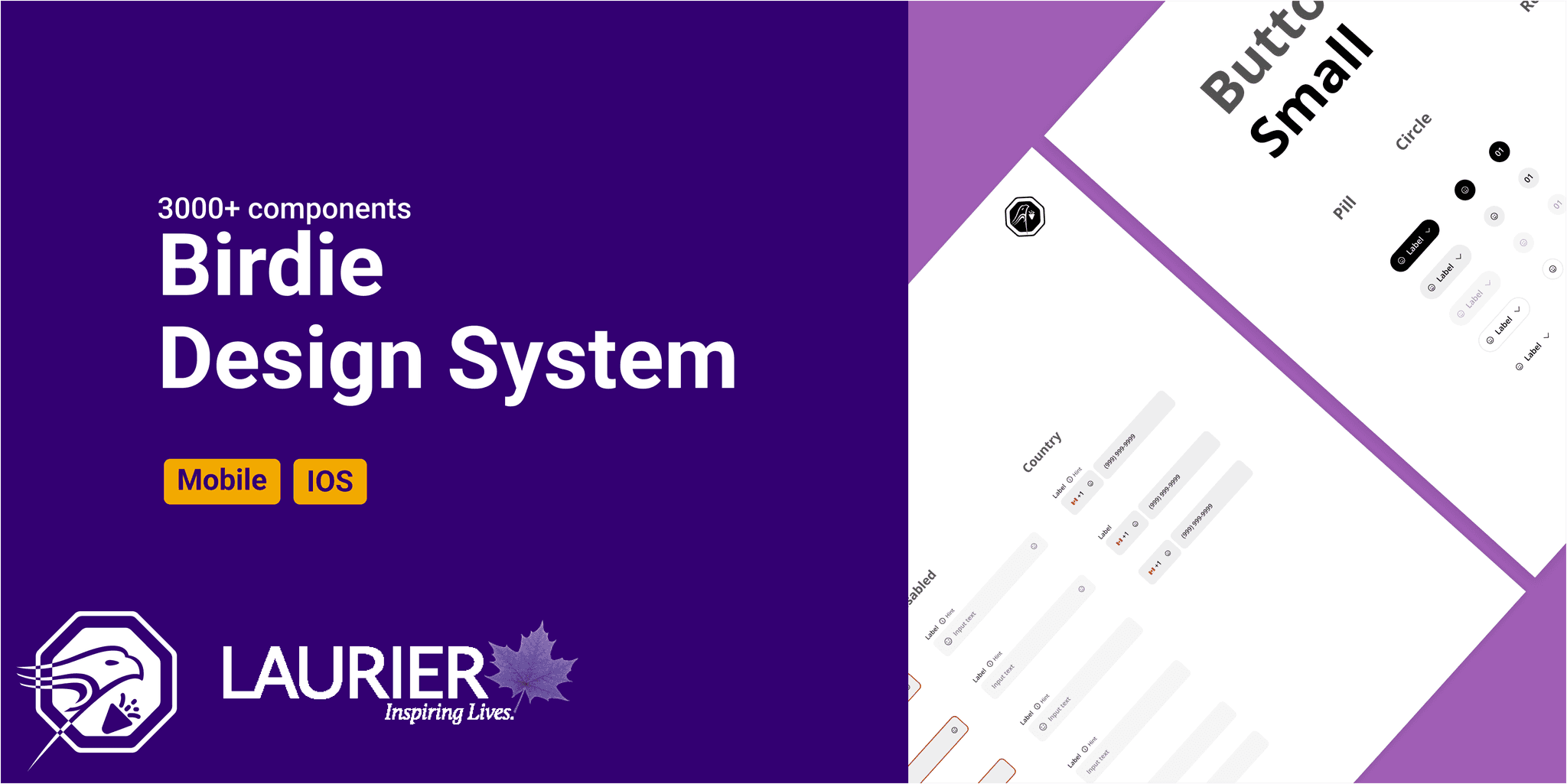
I delivered the mobile prototype and custom design system. The survey measured students’ experience with existing tools; I haven’t measured whether HawkStop increases engagement.
Next, I would test whether students can find a relevant event, save it, and return to its details. I don’t yet have results for those tasks or adoption after launch.
Keep exploring